MyPay Contact sales ΕΛ

POS PAYMENTS

A POS in your shop within 72 hours.

Clear pricing, IRIS and contactless, a Greek team beside you.

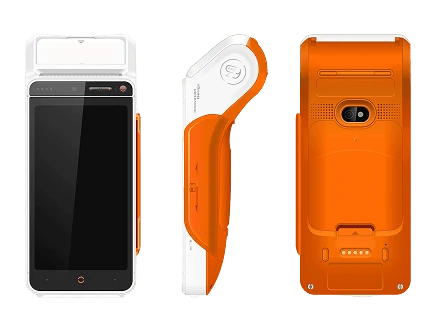
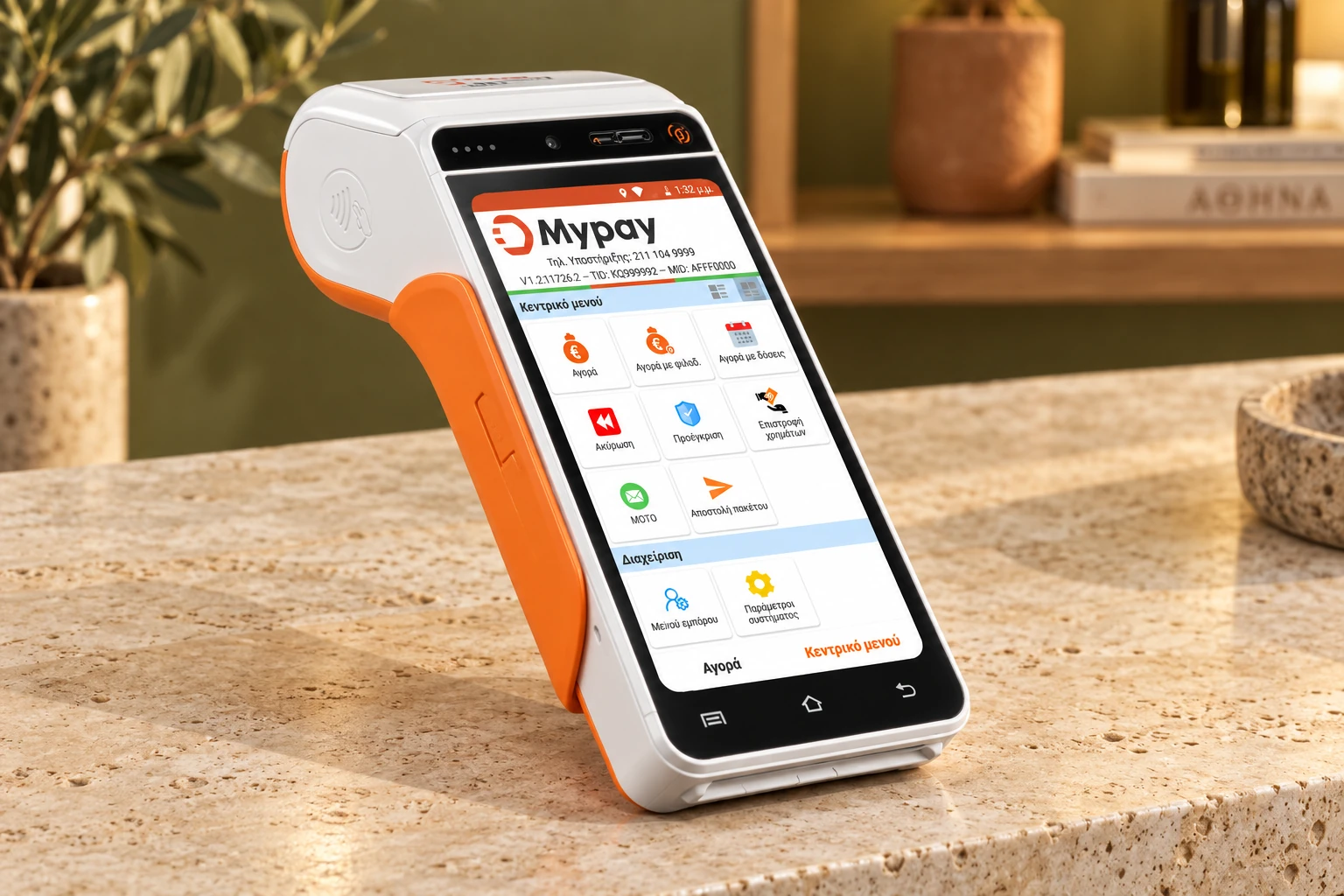
The white and orange MyPay POS terminal on a boutique counter.One point of payment.More ways to pay.

Why MyPay

  1. No lock-in when you buy your POS.

    No fixed-term contract when you purchase a terminal.

  2. Free SIM in every terminal.

    4G at the counter, at the table and on delivery — without your own mobile contract.

  3. 24/7 technical support.

    Your POS does not close on weekends. Neither do we.

  4. Takings into your account.

    Once cleared, pay suppliers and staff.

Choose your POS.

Two terminals. One-off purchase.

Urovo mini POS i2000

Urovo mini POS i2000

€189.00 + 24% VAT · Per device

Out of stock

  • 4.0″ HD touch screen
  • 4G, Wi-Fi, Bluetooth
  • IRIS payments
Technical details
Display
4.0″ HD touch screen
Connectivity
4G, Wi-Fi, Bluetooth
Payments
IRIS payments
Full manufacturer specifications
Urovo i9100

Urovo i9100

€189.00 €399.00+ 24% VAT · Per device

Buy

Choose quantity at checkout.

  • 5.5″ HD touch screen
  • 4G, Wi-Fi, Bluetooth
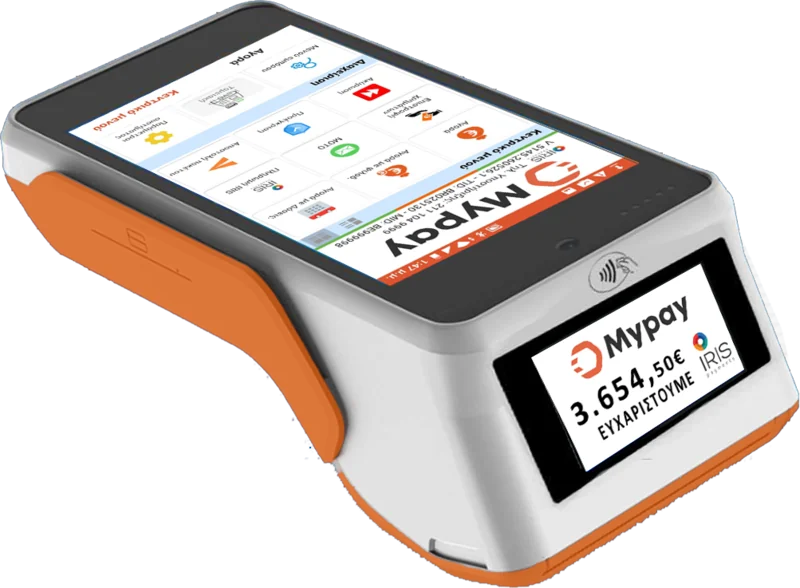
  • Built-in printer
  • IRIS payments
Technical details
Display
5.5″ HD touch screen
Connectivity
4G, Wi-Fi, Bluetooth
Receipt printing
Built-in printer
Payments
IRIS payments
Full manufacturer specifications

Online payment is not available yet. Contact sales

  • Delivery only. No pickup.
  • Activation within 72 hours
  • 24-hour technical support

Built around
your working day.

Where you take payments shapes the device and connection you need.

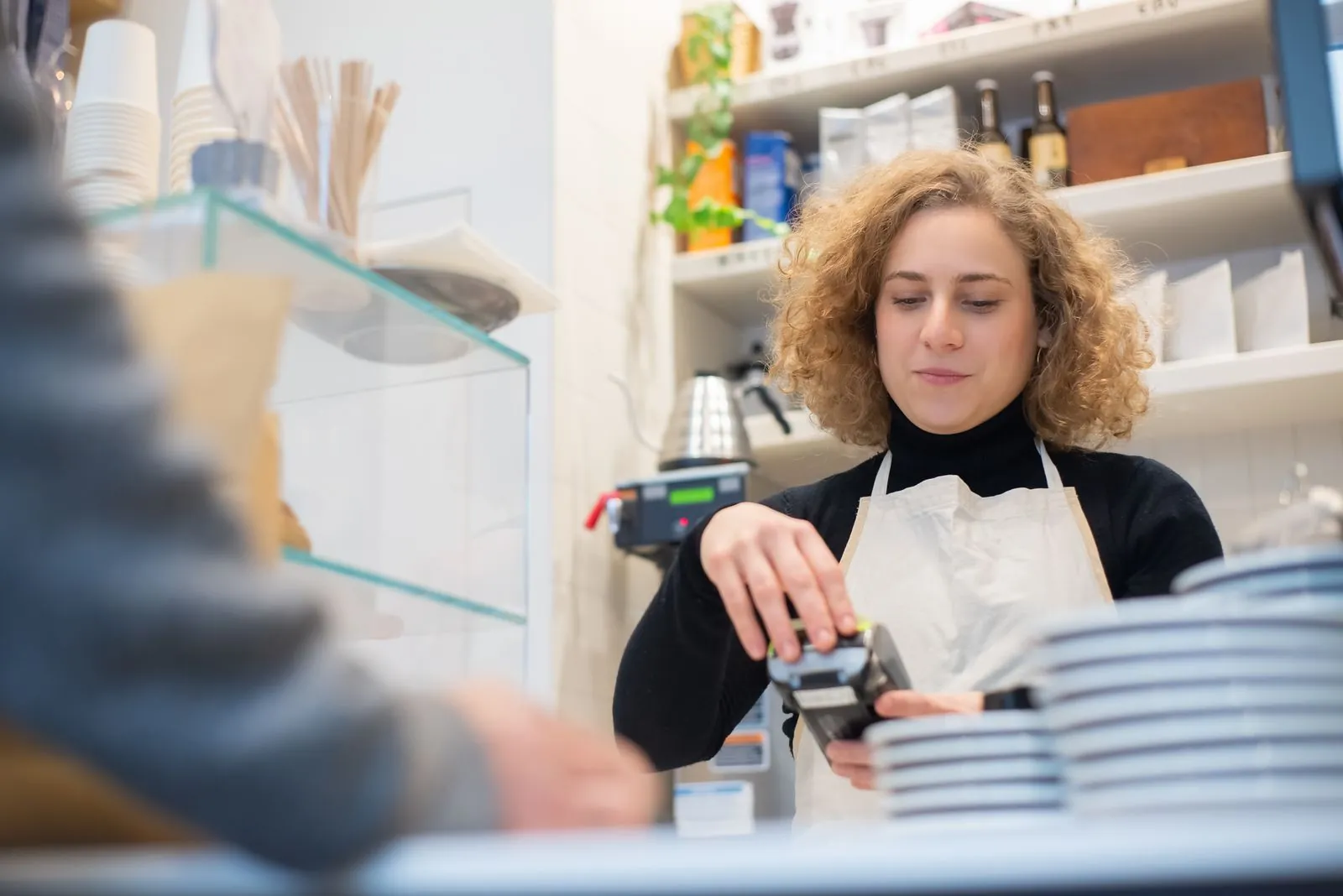
A café worker holding a payment terminal across the counter

01 / Cafés & retail

At the counter.

Give payment a natural place at your checkout. Position the terminal where your customer can see the amount and complete their payment.

Cafés · Shops · Everyday retail

02 / Restaurants & hospitality

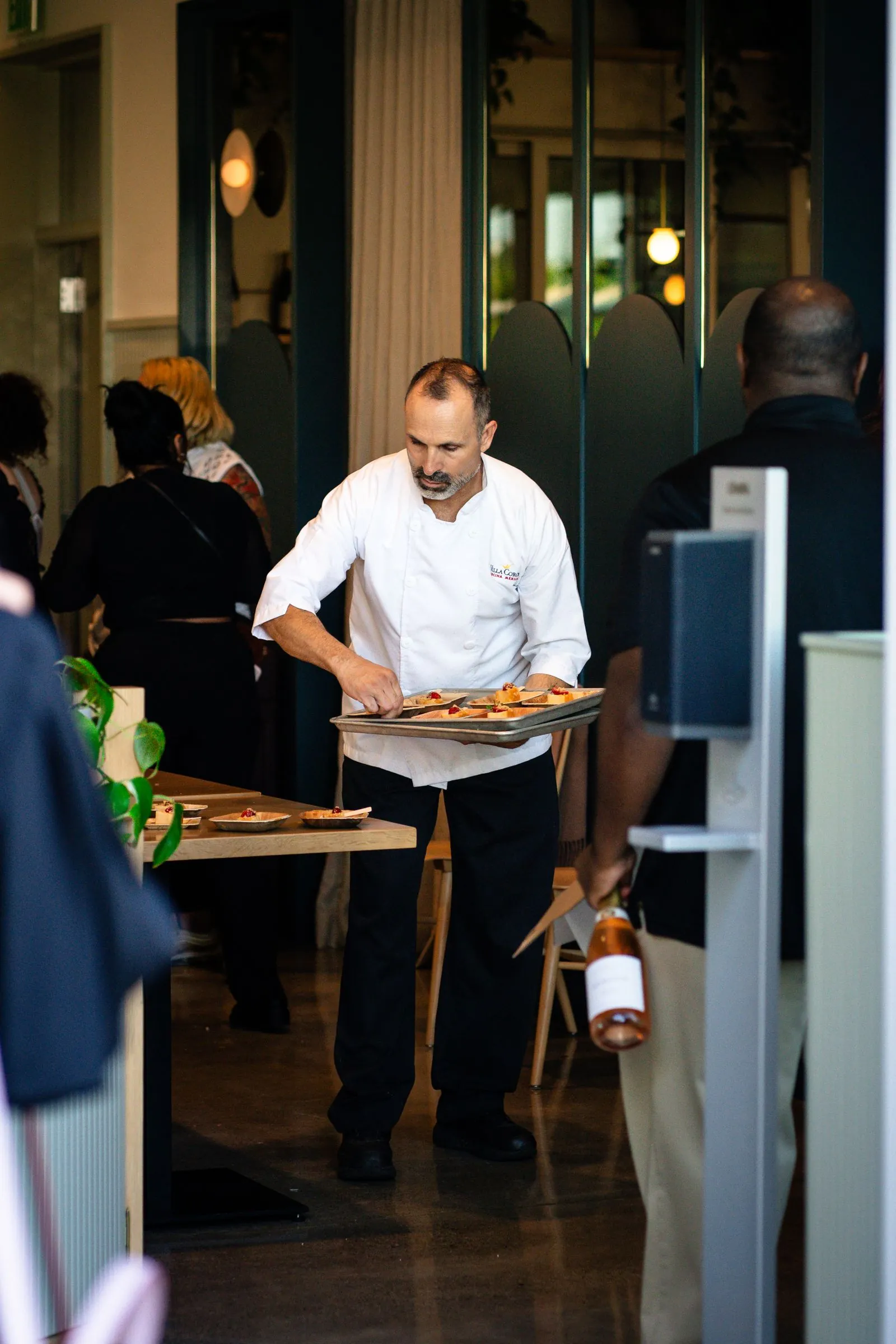
At the table.

When your team moves between customers, your setup needs to fit the room. Discuss device, connectivity and service needs with MyPay.

Restaurants · Hospitality · Table service
Restaurant service in progress as a waiter brings dishes to a table

The moment that matters

A clear amount.
A clear result.

Present the total, let your customer complete payment, then check the result on the POS before finishing the sale.

Explore the IRIS payment flow

Illustrative card payment

€24.00

Payment approved

The card payment has been accepted.

Approval is the checkout result.
Settlement into the Business Account follows separately.

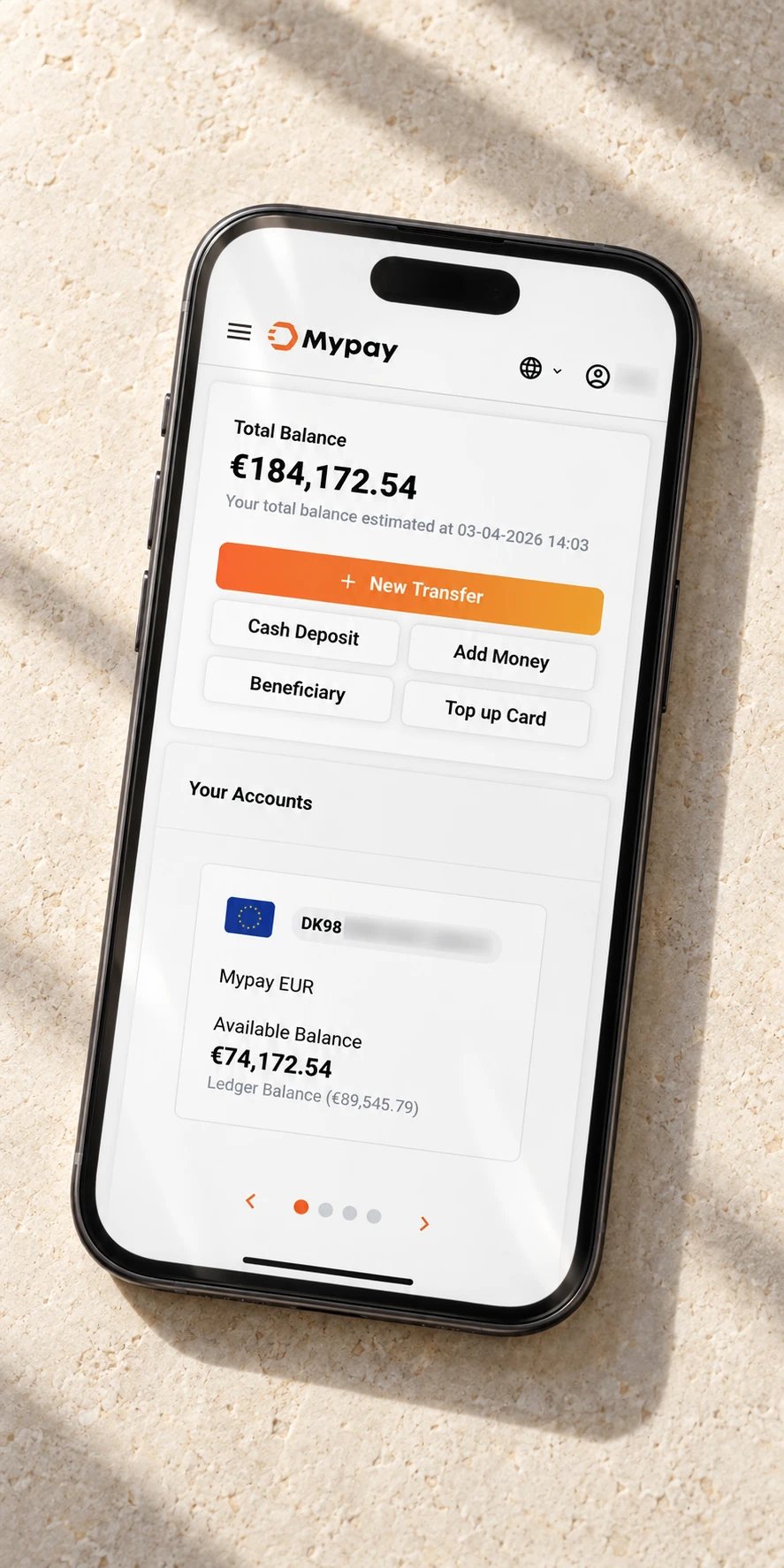
MyPay wallet displayed on a phone resting on a shop counter.

After the sale

From your POS.
Into your Business Account.

Card takings settle into your MyPay Business Account. From there, see your available balance and use your settled funds for business payments.

Meet your Business Account

Make it your setup

Find your
POS setup.

A short conversation helps us understand what your business needs before you choose your POS.

Discuss your POS setup
  1. 01

    Your place

    One counter, several locations or service on the floor? Tell us where payment happens.

  2. 02

    Your working day

    Share your usual payment volume, busy periods and connection needs.

  3. 03

    Your first sale

    Confirm activation, a working connection and who on your team will use the device.