MYPAY BUSINESS ACCOUNT
The account your POS fills up.
A Business Account with IBAN. Your POS takings land here and, once cleared, you pay suppliers and payroll from the same app.
- IBAN for your business
- Payroll and suppliers in one batch
- MyPay Visa card for expenses
THE MYPAY APP
Your account,
on your phone.
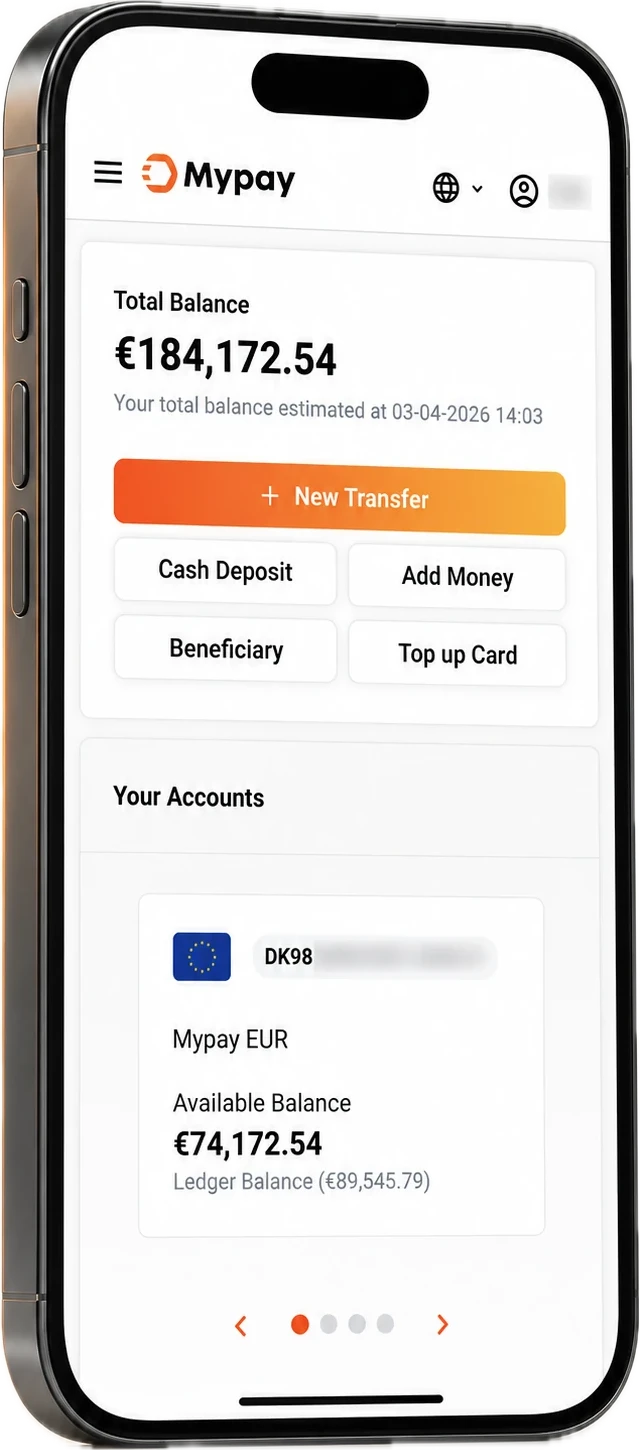
Check your balance, send payments and follow your takings from your iPhone or Android.



Open your phone camera and point it at the code. For iPhone and Android.
Look a little closer
See how your
balance adds up.
Tap an entry in the example to see its details.
 Example account
Settled money, with the outgoing supplier payment already accounted for.
A card approval and a settled credit are different events. Only the settled credits are included in this example balance.
Supplier payment
- Reference
- Invoice 104
- Type
- Supplier transfer
- Currency
- EUR
The outgoing entry records the transfer. It does not confirm receipt by the supplier.
An example, not a screen of the app.
Records and control
Every movement,
in view.
What came in, what went out and what it cost, in one history. Reconciling your takings becomes a check, not a search.
- 01
What you took, what was held, what was credited.
Every settlement, charge and transfer with its reference.
- 02
Access for your team
Everyone has their own user and the rights they need. Nobody shares passwords.
- 03
Records for your accountant
Settlements, charges and transfers in one place, for the month’s reconciliation.
Money with a purpose
Pay from where
you get paid.
Suppliers, payroll and expenses, from the same balance.

Your next step
Getting started
with your Business Account.
Register your business, complete onboarding, and your account receives takings and makes payments.
Already have a Business Account?
Use the MyPay Business Account login to access your account. For trouble signing in, start with Support.
When do card takings appear?
After settlement into your Business Account. An approved card payment does not immediately become an available Business Account balance. Your agreed terms determine the settlement schedule.
What should I prepare?
Have a short description of your business, where you trade and the payment services you need. The MyPay team will confirm the information and documents for your application.